
2027 Agenda
Build It. Trust It.
Build better spreadsheets and workflows with Excel and AI, then strengthen the checks and judgement behind the results. Explore the announced sessions below. Further speakers and session details will follow.
Conference: 18, 19 May 2027
Masterclasses: 17, 20, 21 May 2027


What we cover
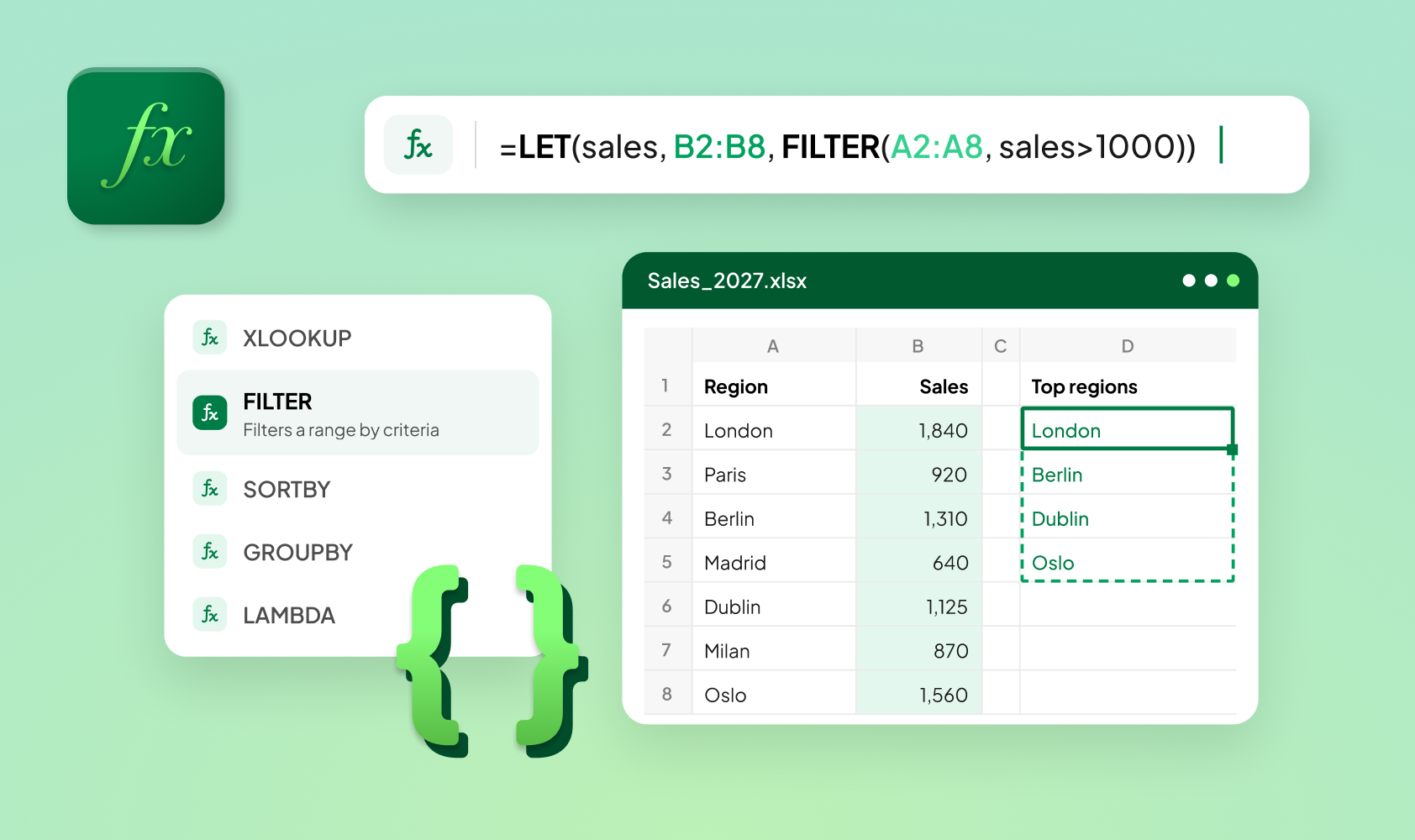
Make more of the Excel you use every day.
Explore new Excel features, modern formulas and core concepts. Understand where advanced calculations help and how to keep your spreadsheets clear and easy to review.
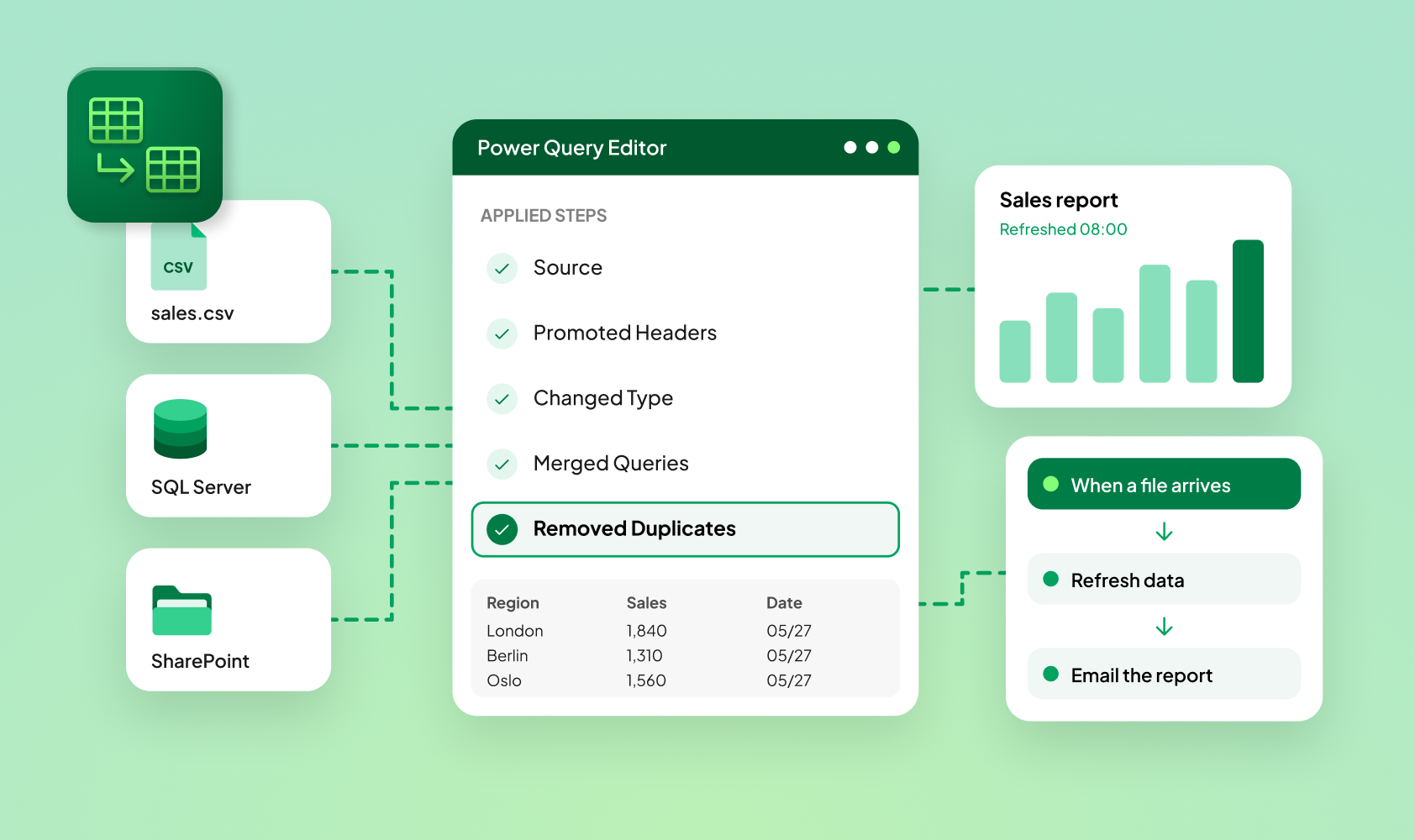
Turn repeated work into repeatable processes.
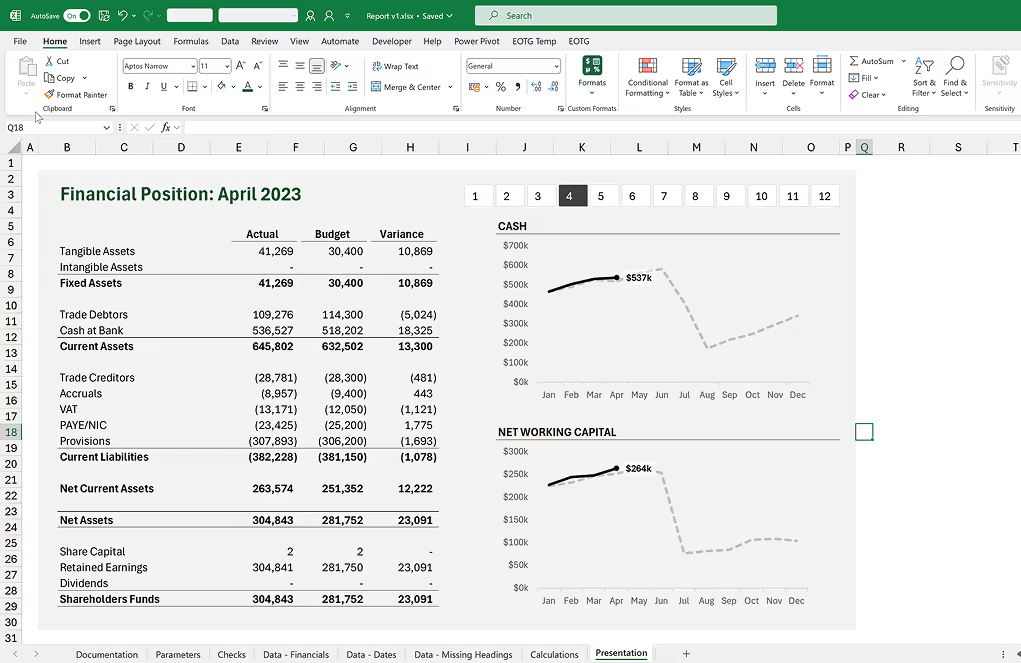
Combine Power Query, Power Pivot and Power BI with Excel and AI to prepare data and automate recurring reports, consolidations and reconciliations.
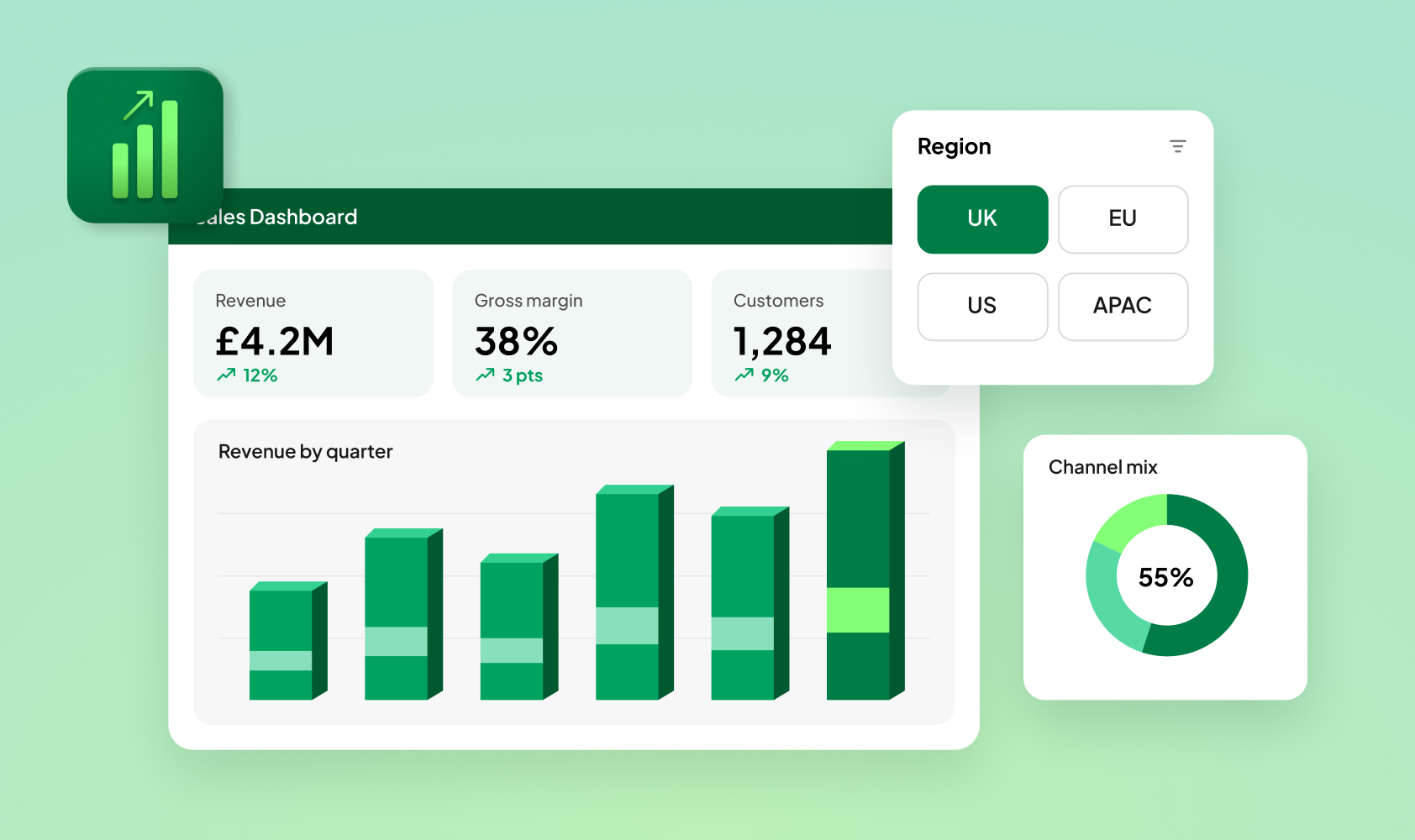
Build reports people can understand and use.
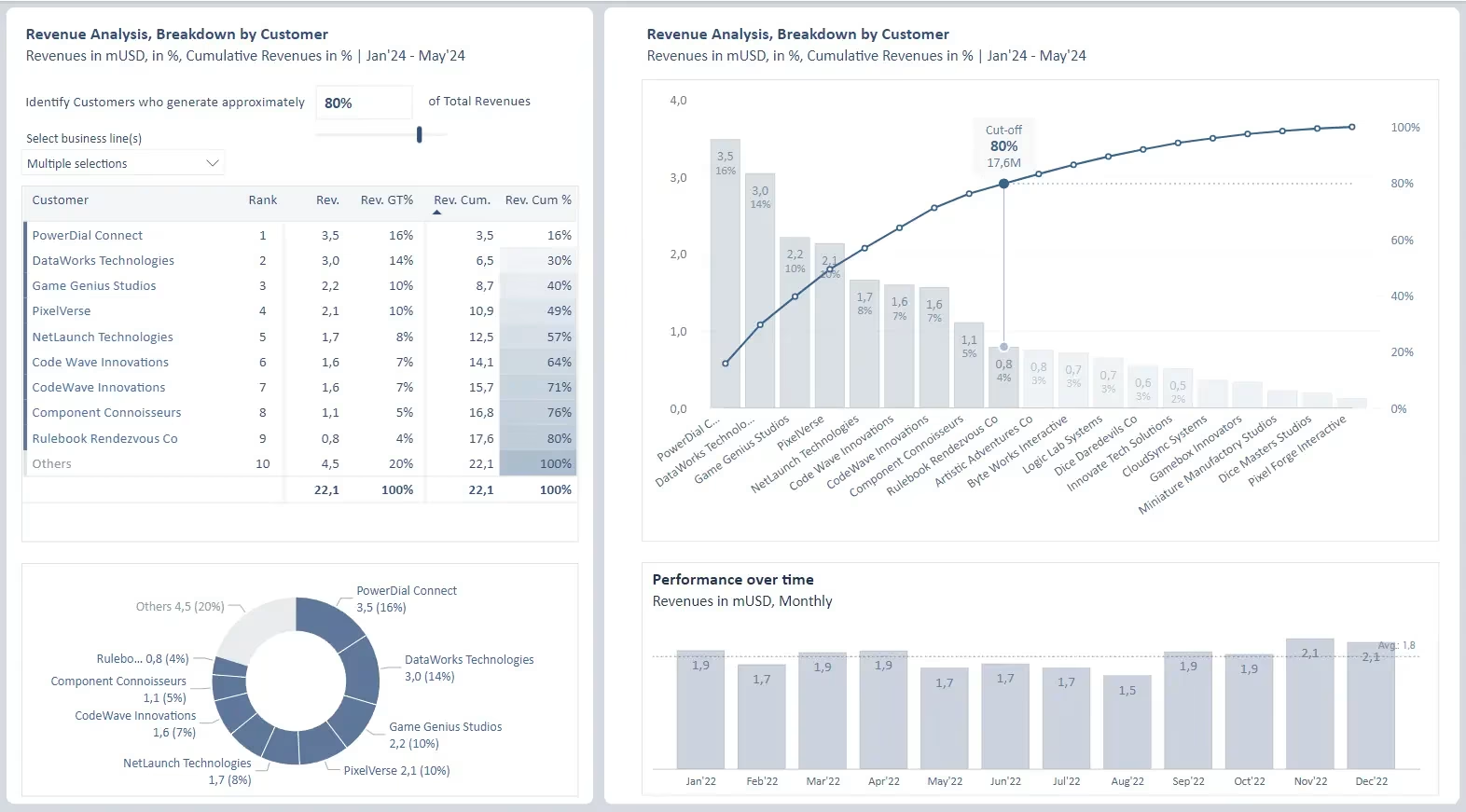
Create clearer dashboards with effective layouts, interactivity and purposeful design. Explore how AI can accelerate creation while you shape the message and final result.

Build models that support better financial decisions.
Connect financial models with valuation and scenario analysis. Explore modern modelling techniques and review practices that help you challenge assumptions, check calculations and explain results.
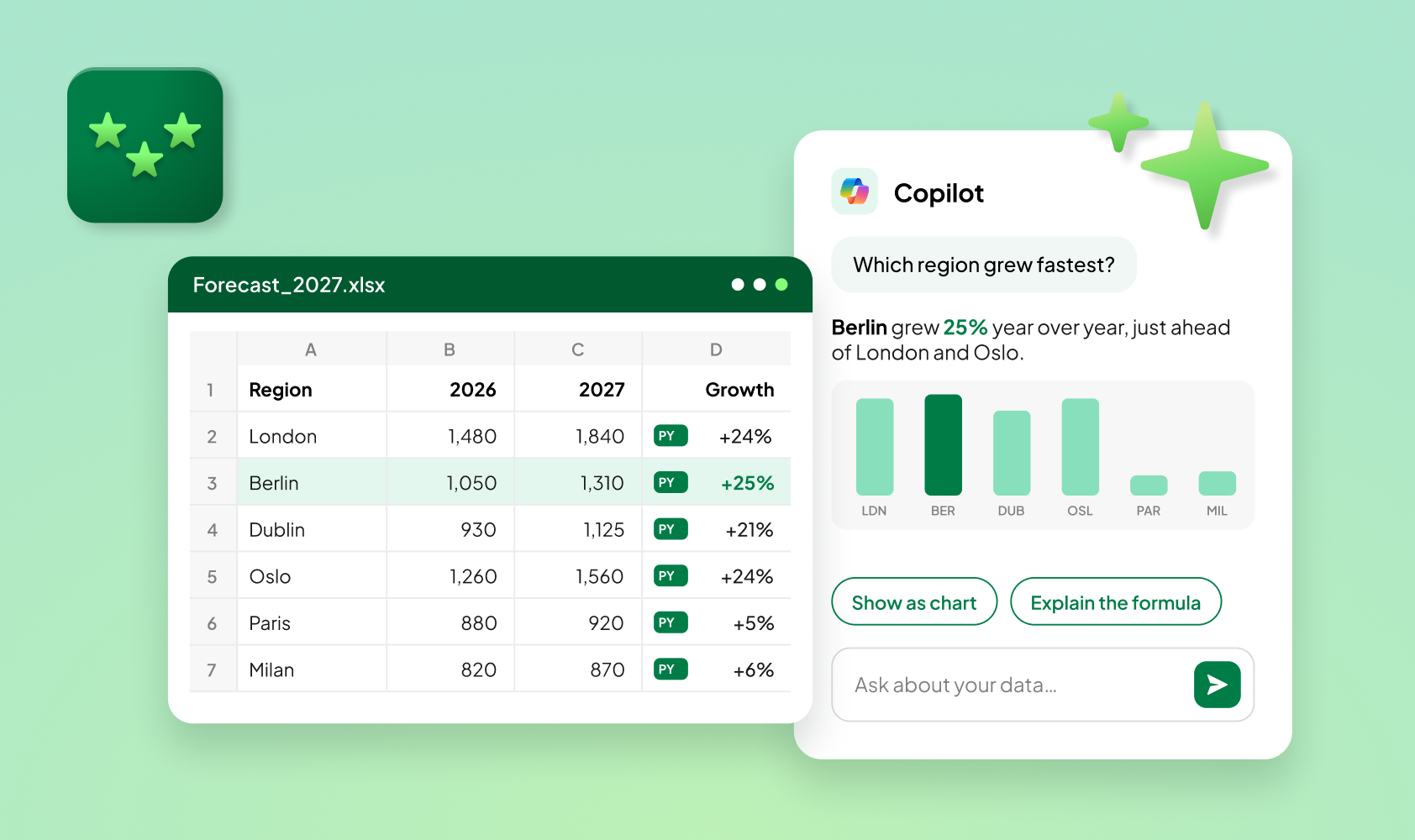
Put AI to work alongside Excel.
Explore Copilot, Claude, ChatGPT and AI agents for spreadsheet work. Compare approaches, understand their limitations and learn what to check before using the results in reports, models and decisions.
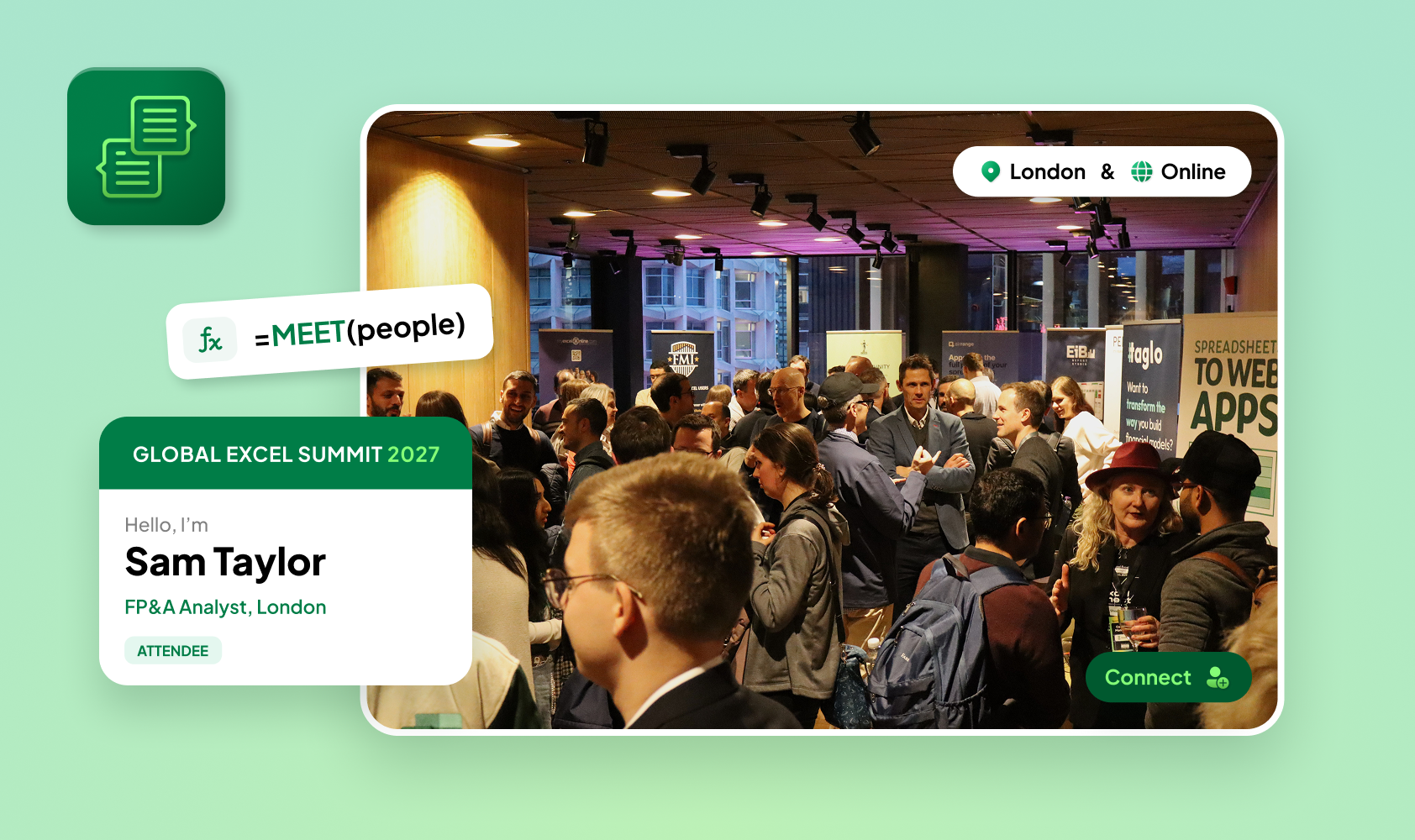
Connect with people who understand your work.
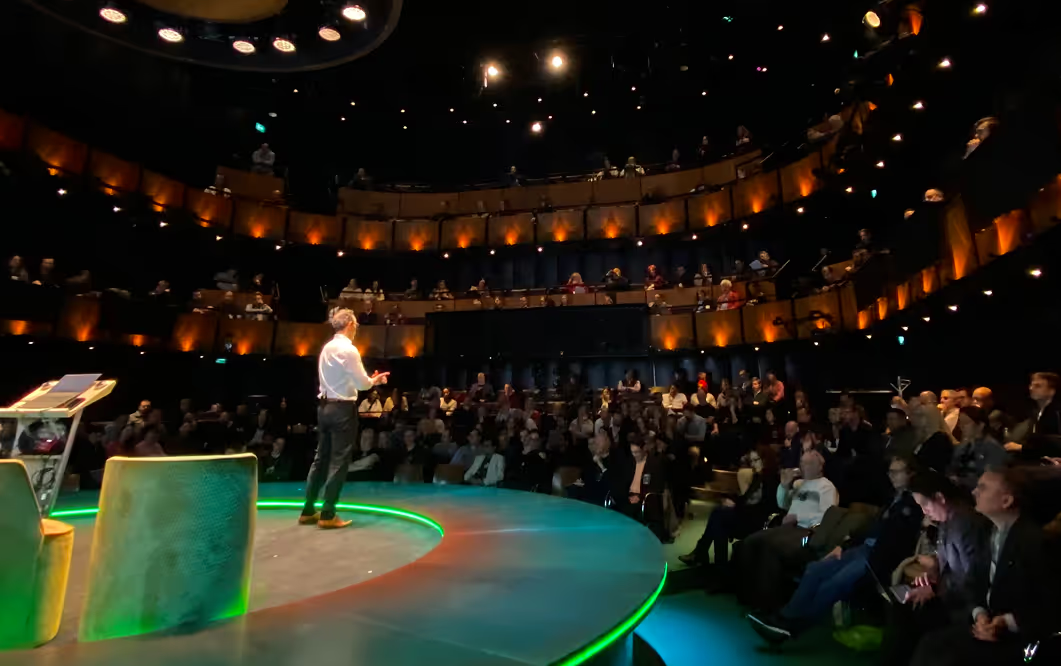
Compare approaches with people who understand the detail. Discuss shared challenges and make connections that continue beyond the Summit.
All Sessions
17 May 2027



Day 1: Build It
Discover what Excel and AI can help you do.
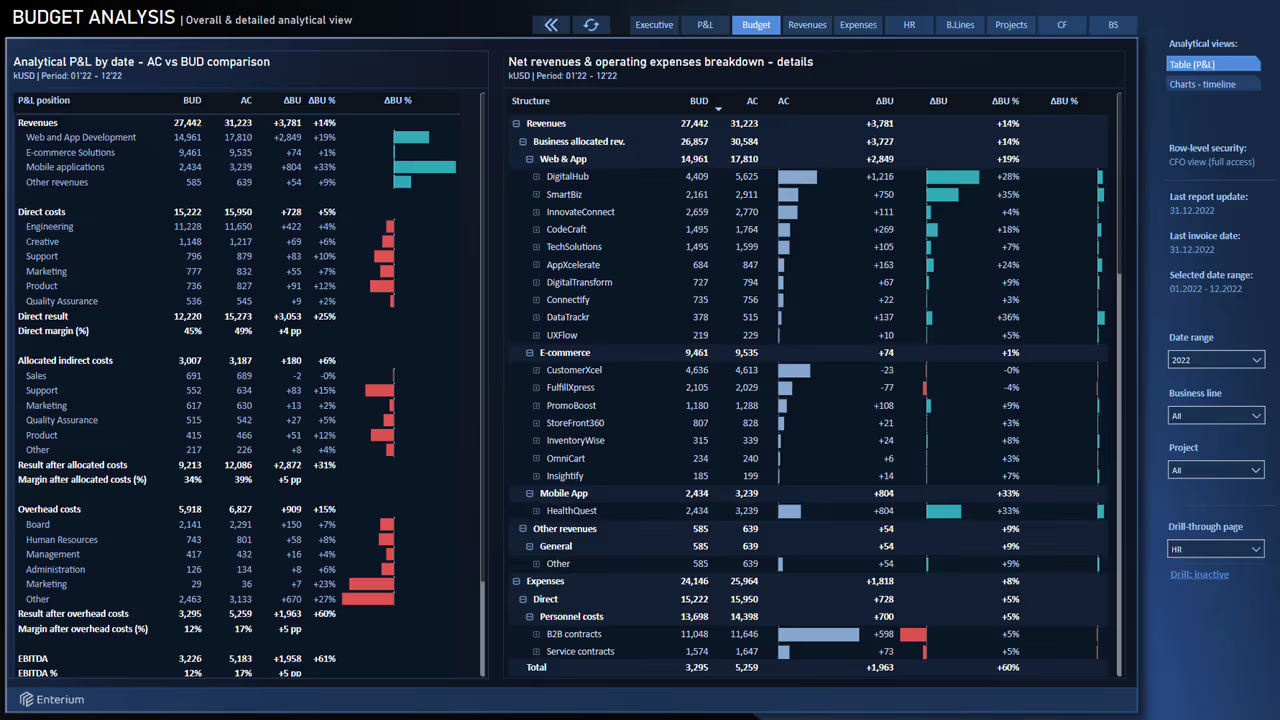
Explore modern Excel features, practical automation and dashboard design. See how professionals improve reporting and choose tools for everyday work.
Registration, badges and coffee for all onsite attendees. Coffee kindly provided by EASA Software.
Read more →Hosts Giles Male and Fay Bordbar welcome you to Global Excel Summit 2027 and introduce the day ahead.
Read more →A keynote speaker from Microsoft opens the Summit with a look at what's new in Excel and where the product is heading. Speaker to be announced.
Read more →Just because Claude, ChatGPT and open-weight models are trending, don't write off Excel just yet. Chandoo shares three powerful case studies from his work with the New Zealand Government.
Read more →Karen rebuilds a generic AI dashboard live into something memorable, using Copilot, app-style slicers and AI photos, and shares layout rules and prompts that make any file stand out.
Read more →Take a break, grab a coffee and enjoy a quick snack, kindly provided by EASA Software.
Read more →Jenny shows how her finance team cut reporting from days to minutes with Excel, Power Query, Power BI, AI analytics and smart alerts, told through a fun wizarding-school story.
Read more →How much do you need to know to solve everyday Excel problems? Mark shows how a small set of core concepts can help, and which ones matter most.
Read more →Carolina shows how AI accesses information from spreadsheets, Power BI models and other files, and what this means when creating or editing real files. A practical look at file structure, context and checking results.
Read more →Take a break, grab a coffee and visit our exhibitors. Coffee kindly provided by EASA Software.
Read more →One Excel brief. Three AI tools. Compare how Copilot, Claude and ChatGPT tackle the same spreadsheet task, the effort involved and what it takes to turn their outputs into useful results.
Read more →Continue the conversation with people who share your curiosity. Compare ideas, meet someone new and enjoy the refreshments.
Read more →Day 2: Trust It
Understand the results. Make better decisions.
Explore financial modelling, valuation and AI working with company data. Strengthen the review practices and human judgement behind reliable analysis.
Explore the announced sessions below. Further speakers and session details will follow.
Doors open for late registration and coffee before Day 2 begins.
Read more →Giles Male and Fay Bordbar welcome you back, recap Day 1 and introduce Day 2.
Read more →Leon explains what changes when AI agents answer from your company's own data, and what finance and analytics teams need in place before they can trust an agent's answer.
Read more →Danielle shows how nested arrays solve real modelling problems, and how review habits must change when one cell can hold a whole depreciation profile or scenario path.
Read more →Michael explores how advisory firms review AI-built financial models, why review capacity can become the bottleneck and the practices that help teams get more useful analysis rather than more unchecked output.
Read more →Sloka shows how a three-statement model feeds a valuation, what models can and can't tell you about value, and where valuations most often go wrong, using anonymised examples.
Read more →Bediako shows how Excel models can run at cloud scale with Pebble Stream, so analysts can scale complex spreadsheet models without rebuilding them in other tools.
Read more →Does AI help us challenge spreadsheet results or does it make unchecked answers more convincing? Our panellists debate the evidence, expertise and responsibility needed before relying on AI-assisted work.
Read more →The Global Excel Awards 2027 reaches its climax, as the winners, chosen by public vote from the finalists revealed at Community Day, are announced.
Read more →Continue the conversation with people who share your curiosity. Compare ideas, meet someone new and enjoy the refreshments.
Read more →20 May 2027
Turn raw data into a finished Power BI dashboard, using Excel and AI to support analysis, data modelling, DAX and design.
Read more →
Chandoo
Use Claude to automate your monthly Excel report, with live formulas and reconciliation checks, without writing code yourself.
Read more →
Carolina Lago

21 May 2027






























































Early Bird registration is open
18–19 May 2027 · London & Online.
Save 20% – limited to 100 in-person and 100 online tickets.