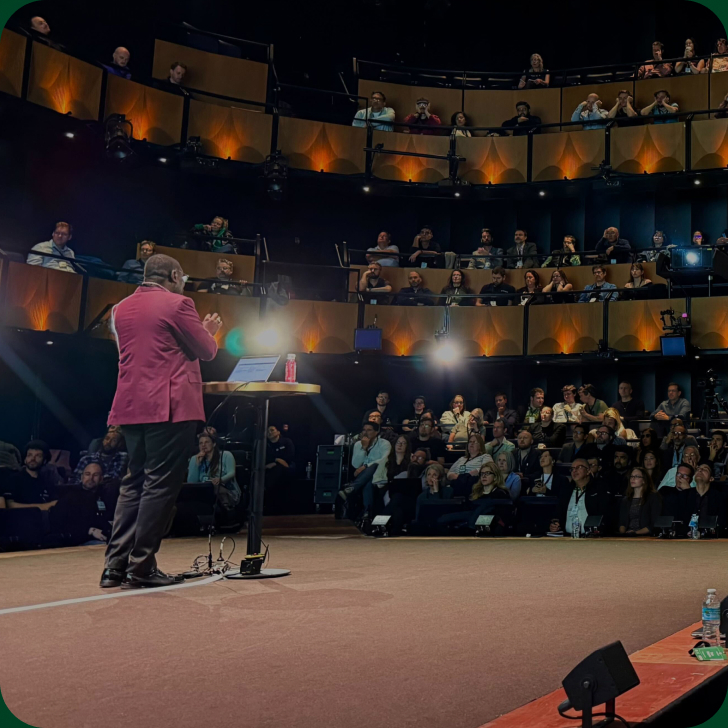


Conference Agenda
Build It. Trust It.
Build better spreadsheets and workflows with Excel and AI, then strengthen the checks and judgement behind the results. Browse the themes we cover below. The full timetable will follow soon.

Day 1 · Tue, 18 May
Build it.
Discover what Excel and AI can help you do.
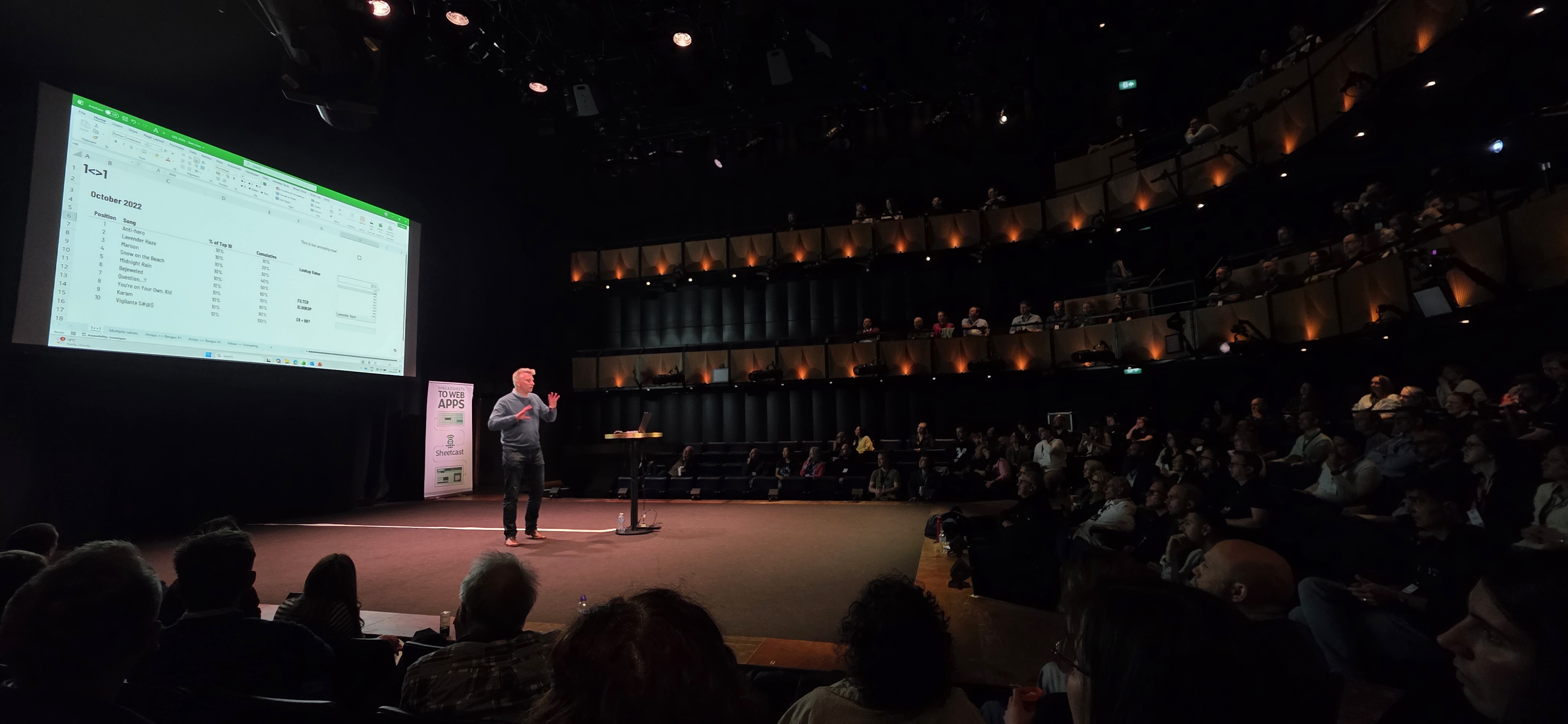
Explore modern Excel features, practical automation and dashboard design. See how professionals improve reporting and choose tools for everyday work.
Day 2 · Wed, 19 May
Trust it.
Understand the results. Make better decisions.
Explore financial modelling, valuation and AI working with company data. Strengthen the review practices and human judgement behind reliable analysis.

What we cover
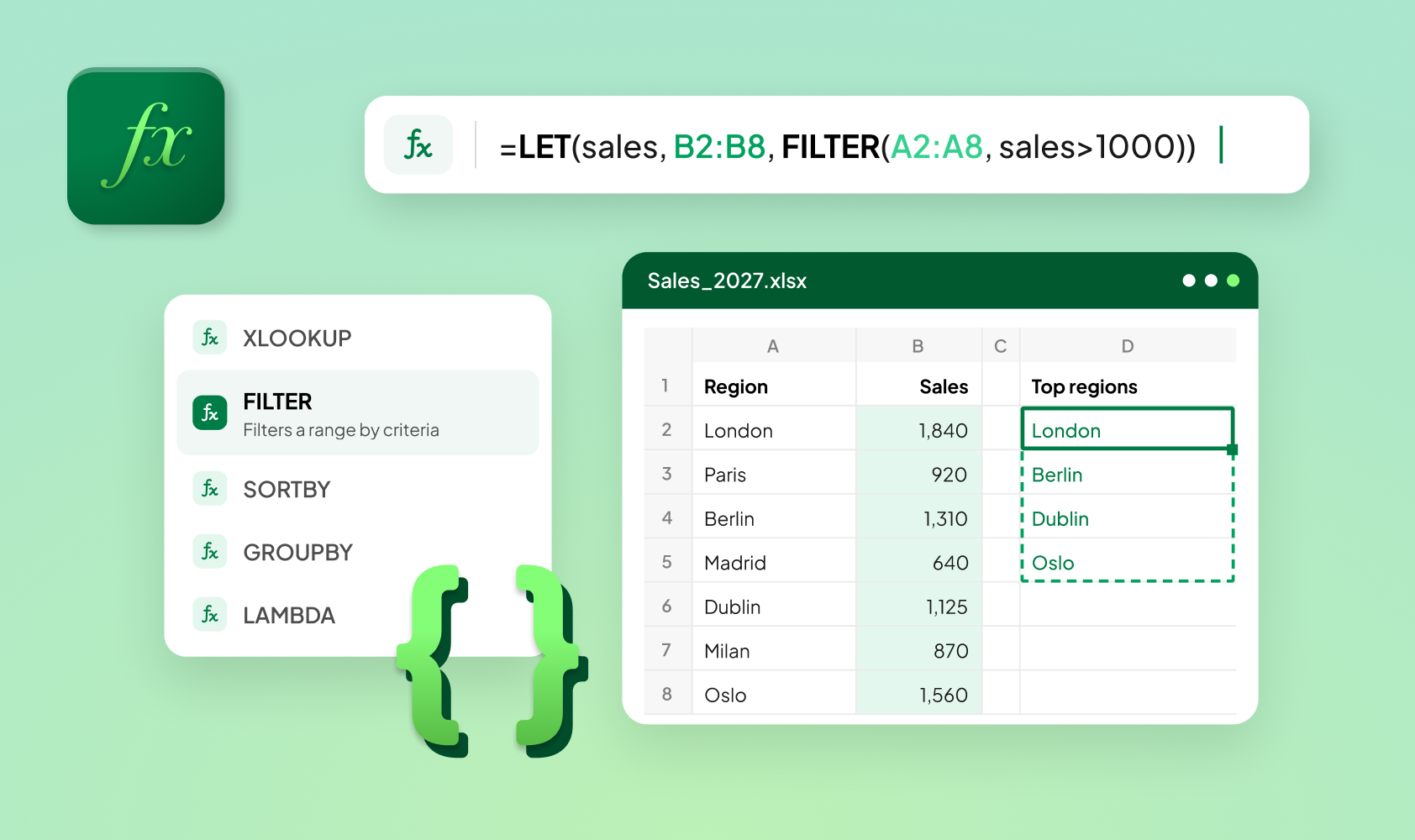
Make more of the Excel you use every day.
Explore new Excel features, modern formulas and core concepts. Understand where advanced calculations help and how to keep your spreadsheets clear and easy to review.
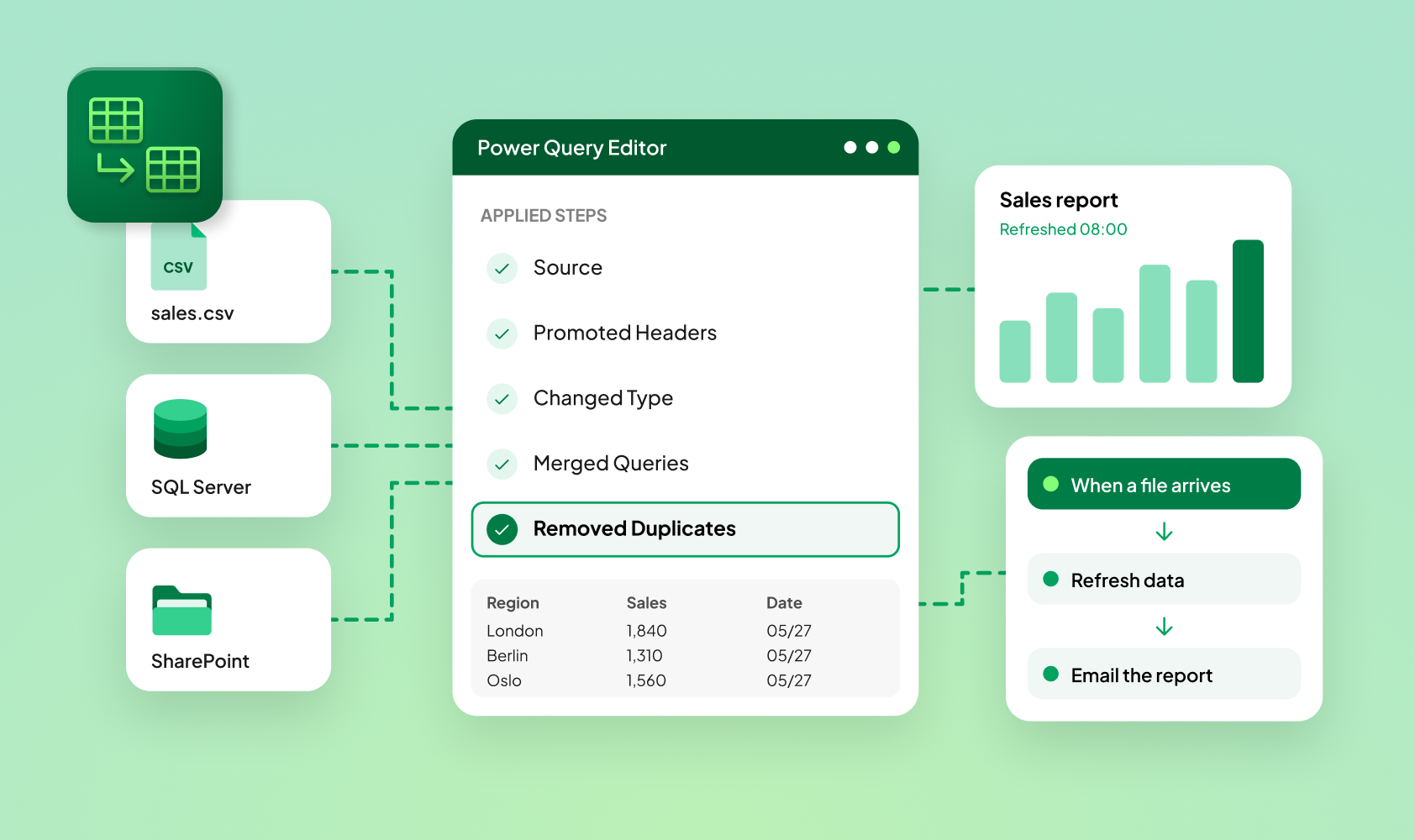
Turn repeated work into repeatable processes.
Combine Power Query, Power Pivot and Power BI with Excel and AI to prepare data and automate recurring reports, consolidations and reconciliations.
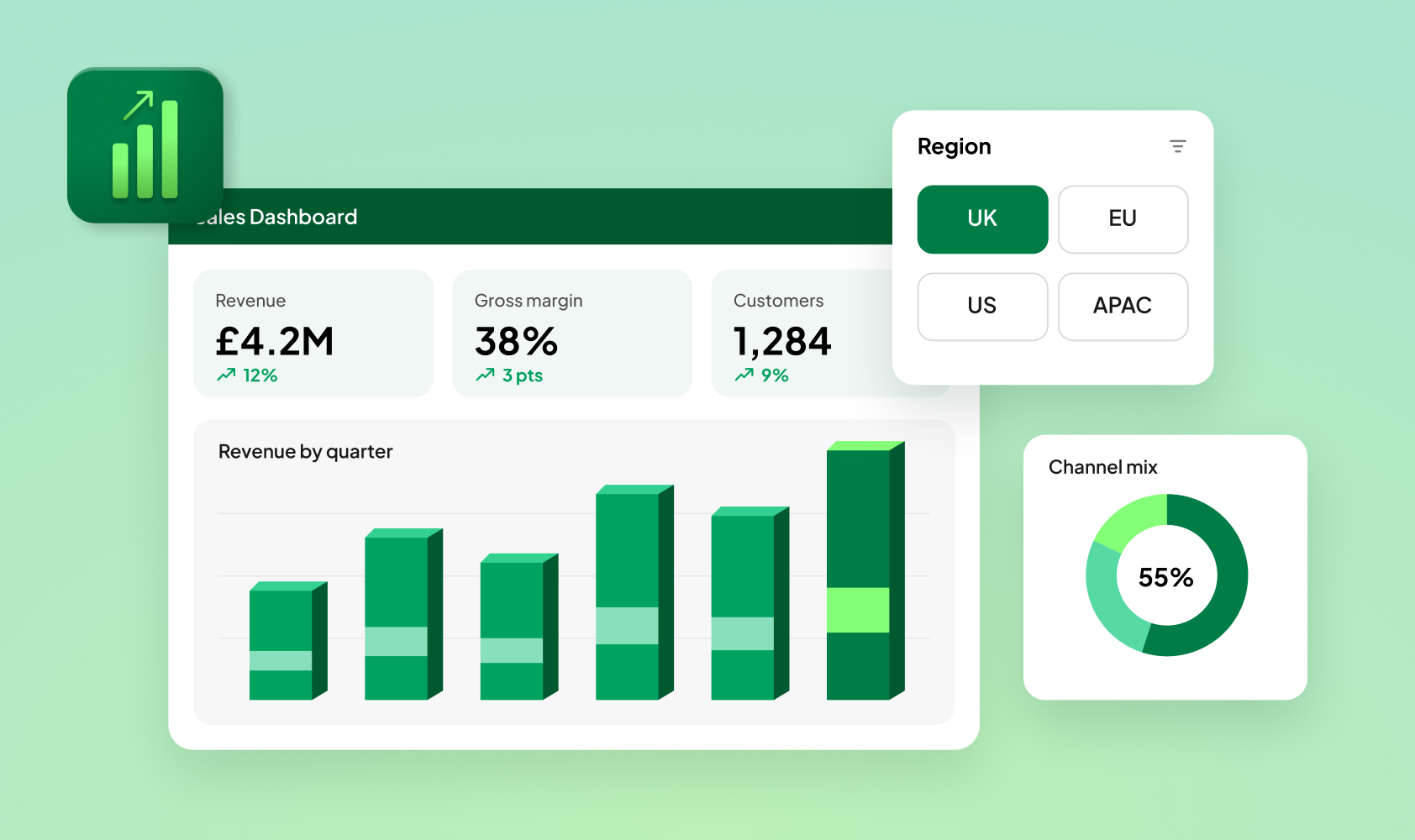
Build reports people can understand and use.
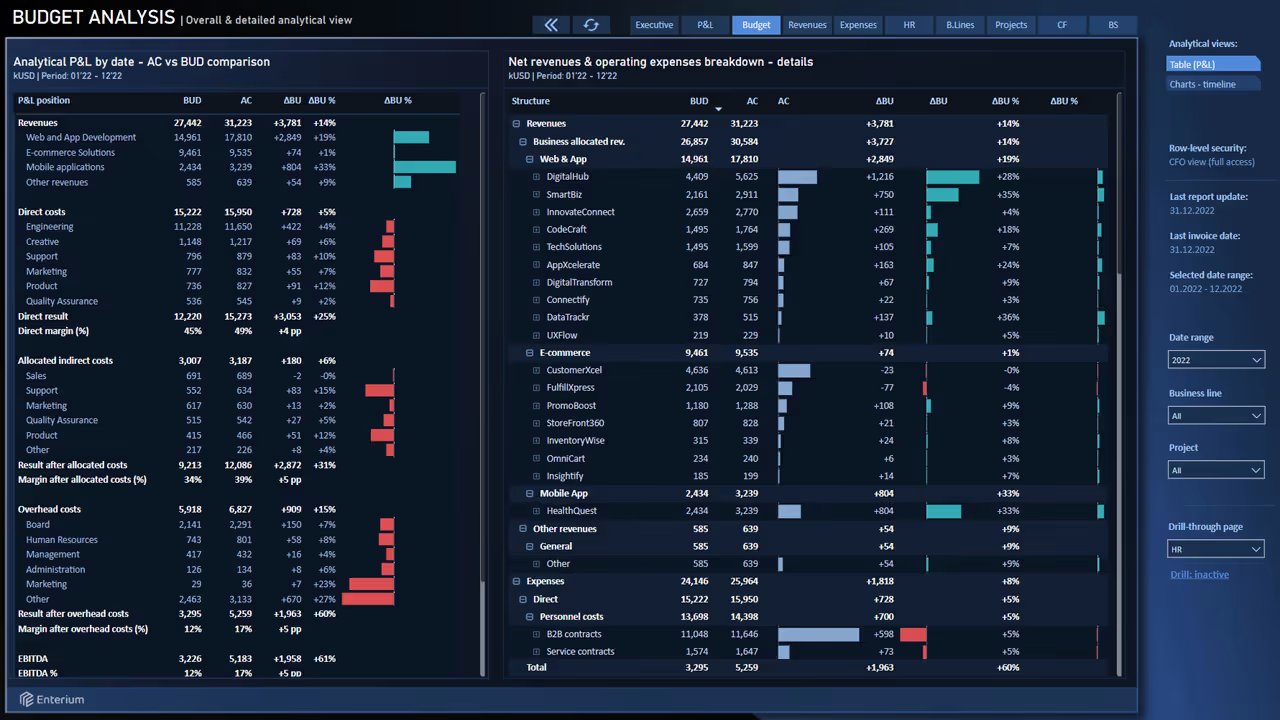
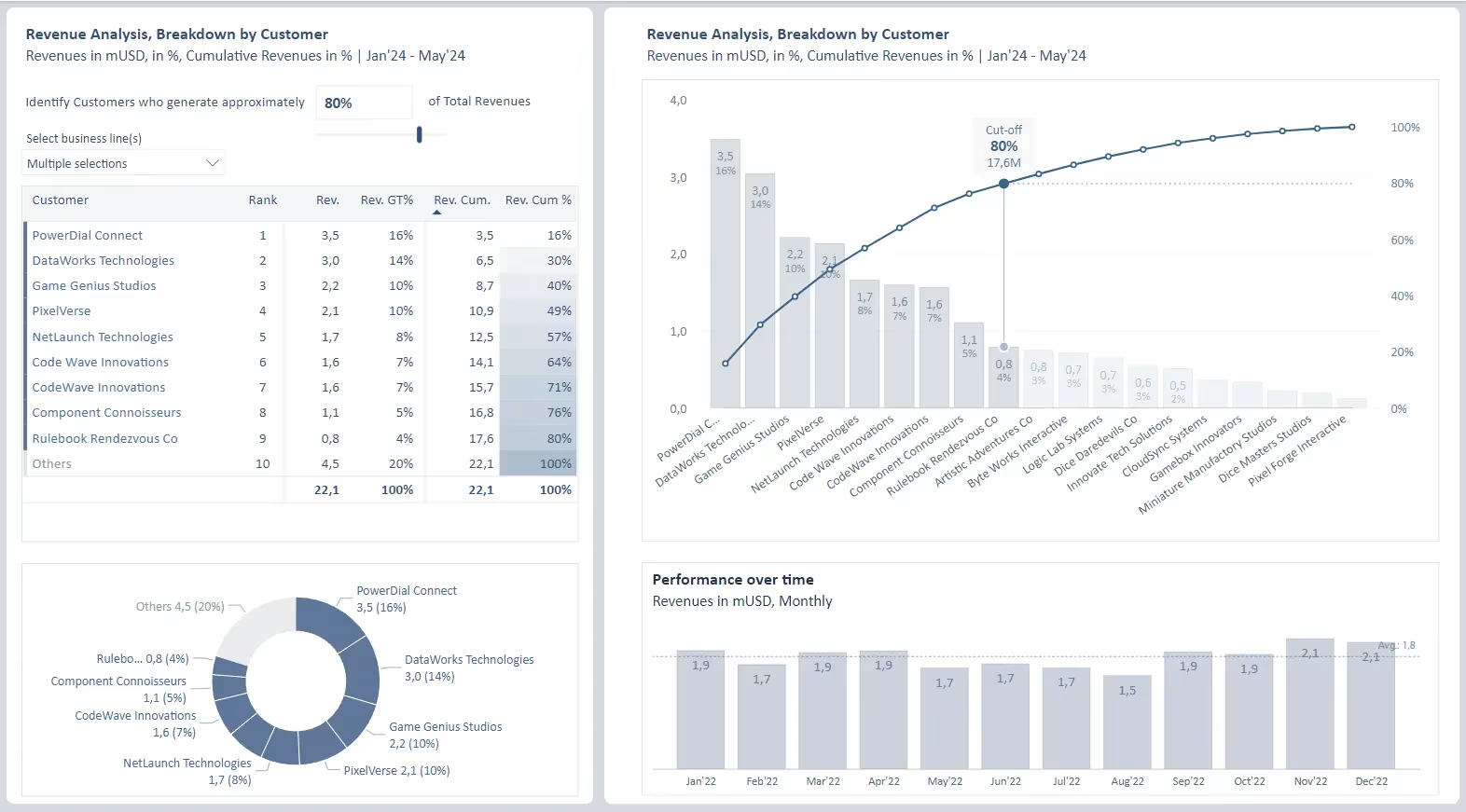
Create clearer dashboards with effective layouts, interactivity and purposeful design. Explore how AI can accelerate creation while you shape the message and final result.

Build models that support better financial decisions.
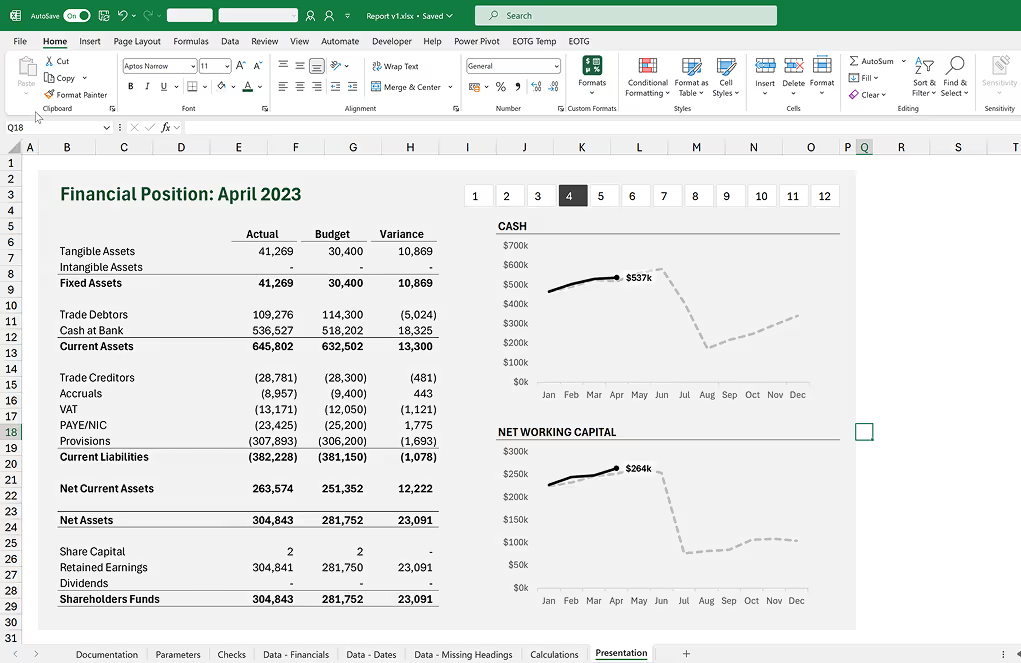
Connect financial models with valuation and scenario analysis. Explore modern modelling techniques and review practices that help you challenge assumptions, check calculations and explain results.
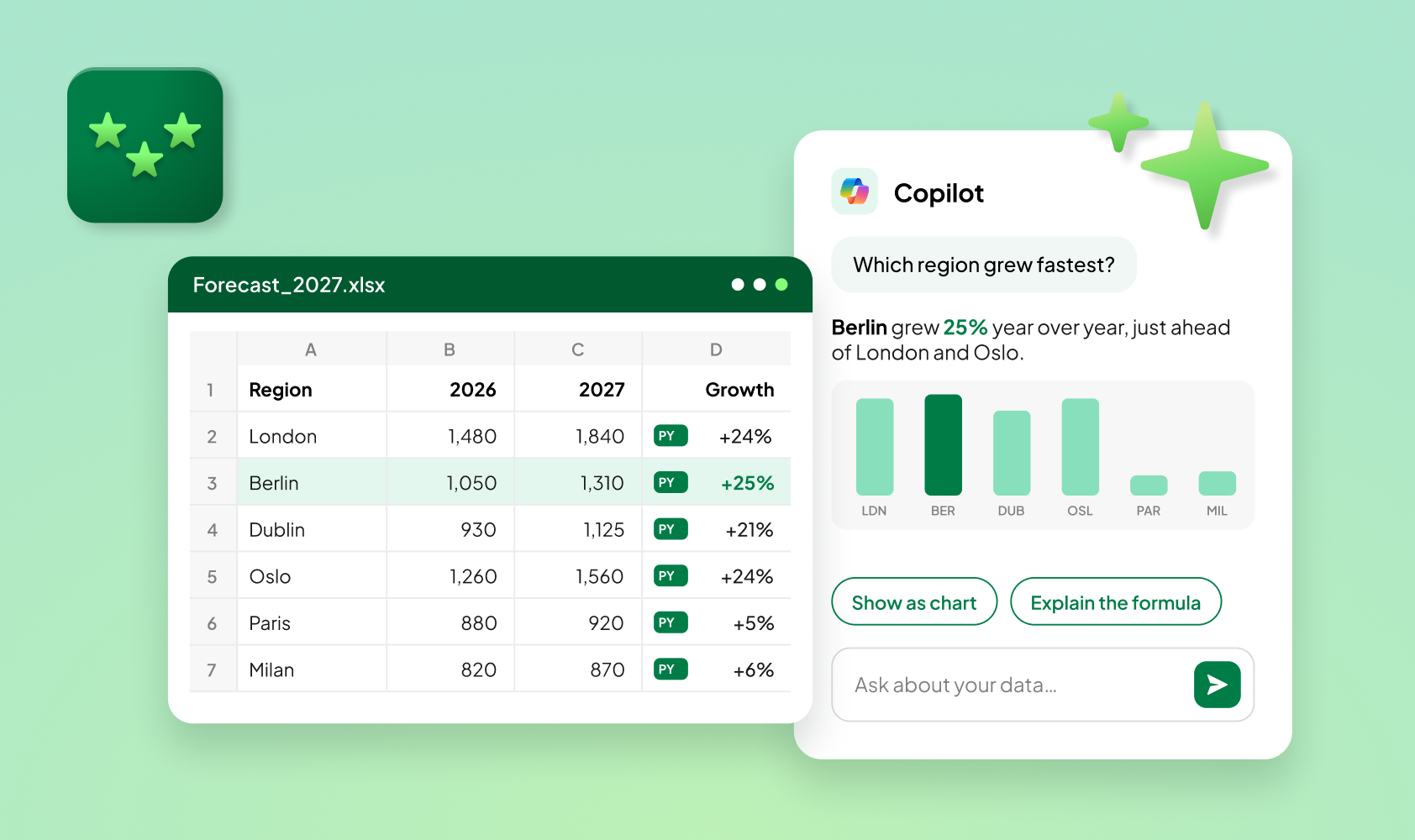
Put AI to work alongside Excel.
Explore Copilot, Claude, ChatGPT and AI agents for spreadsheet work. Compare approaches, understand their limitations and learn what to check before using the results in reports, models and decisions.
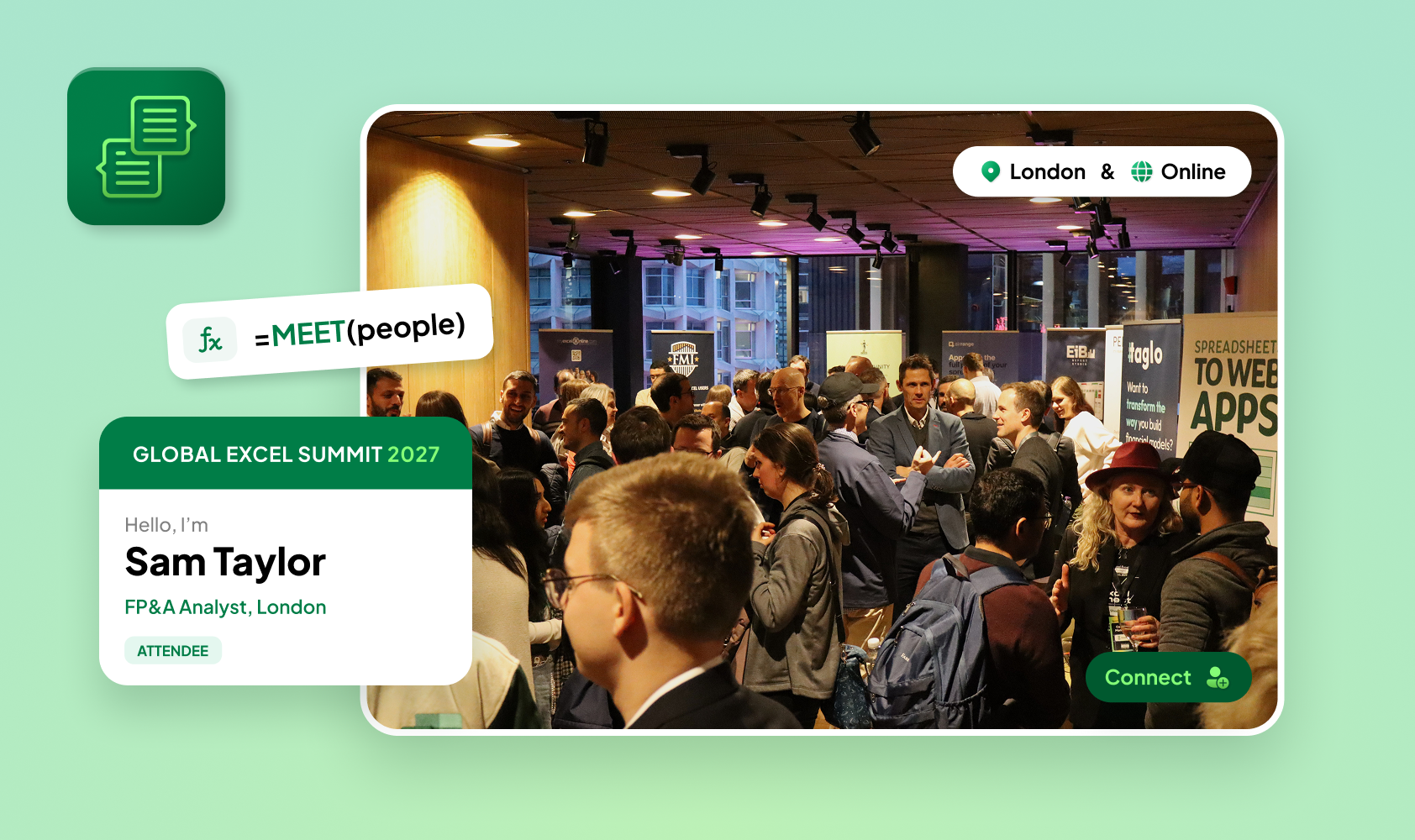
Connect with people who understand your work.
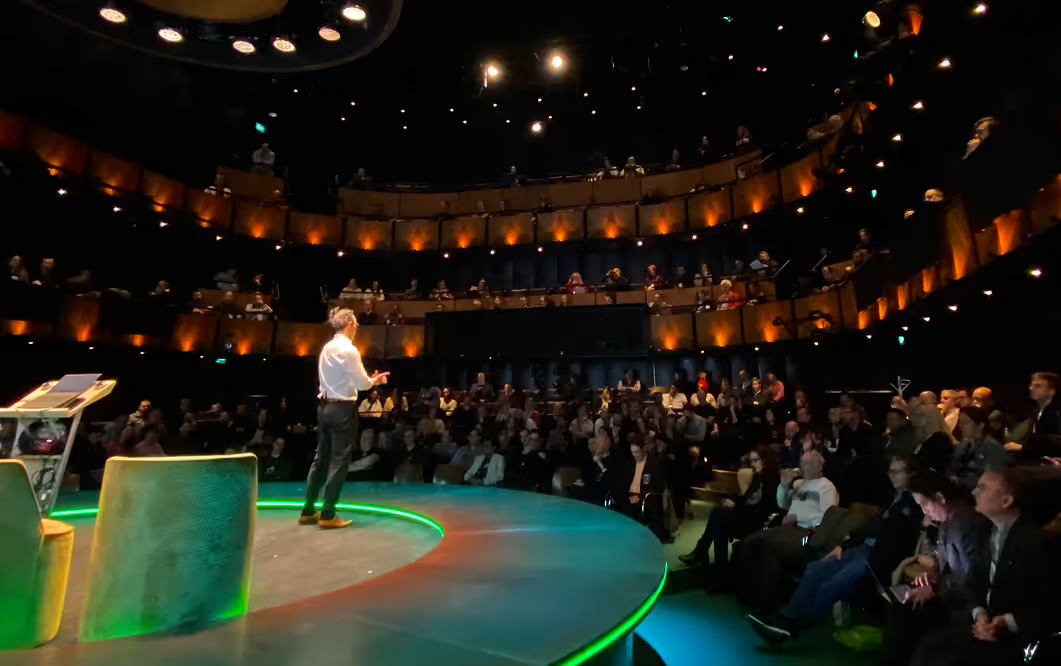
Compare approaches with people who understand the detail. Discuss shared challenges and make connections that continue beyond the Summit.


Early Bird registration is open
18–19 May 2027 · London & Online.
Save 20% – limited to 100 in-person and 100 online tickets.