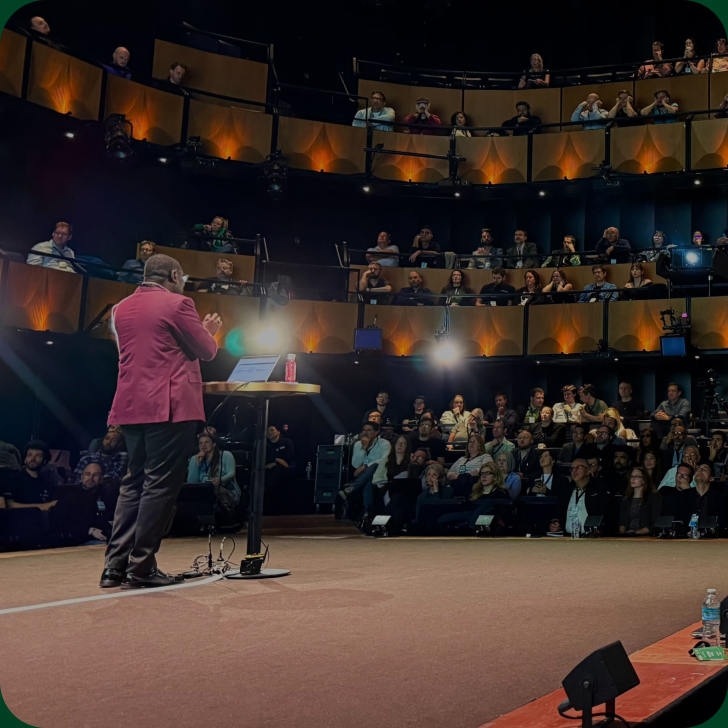



Speed Up Creation, Not Creativity: The WOW Effect in Excel in the Age of AI
Nowadays, nobody creates anything from scratch: we just ask AI. The result? Everything looks the same. Same layouts, same colours, the same old AI look, with no identity at all.
In this session, Karen Abecia shows how to build spreadsheets, dashboards and reports in Excel that break away from that generic AI look, using AI in a smart way: to speed up creation, not to replace creativity.
Starting with a dashboard built entirely by AI (it works, but will anyone remember it tomorrow?), Karen rebuilds it live with the same data and the same AI:
- Copilot for creating the layout and standardising the colours
- AI that adapts references from Pinterest and Google into a unique layout, without anyone having to become a design expert
- Custom slicers that look like app buttons, so nobody believes it's Excel
- A table of LinkedIn profiles turned into a set of matching, AI-standardised photos, with each person appearing in the chart holding their own result
But the AI draft is never the final result. The most important part is the precise human touches: simple layout rules you can apply to any piece of work.
What you'll take away
- What to delegate to AI, and what is worth investing creative time in just once
- How to turn any brand's visual identity into a colour standard in Excel
- Layout principles that make any file look professional
- Key prompts to make any AI your ally in creating the WOW effect
Other Sessions
Bauhaus design principles for workbooks (inputs, calculations, outputs; LET and LAMBDA; one grid, three colours), then a live parametric building model drawn in the cells.






.png)







.png)





.png)
.png)




.png)


.png)











Early Bird registration is open
18–19 May 2027 · London & Online. Save 20% – limited to 100 in-person and 100 online tickets.