

.png)
.png)
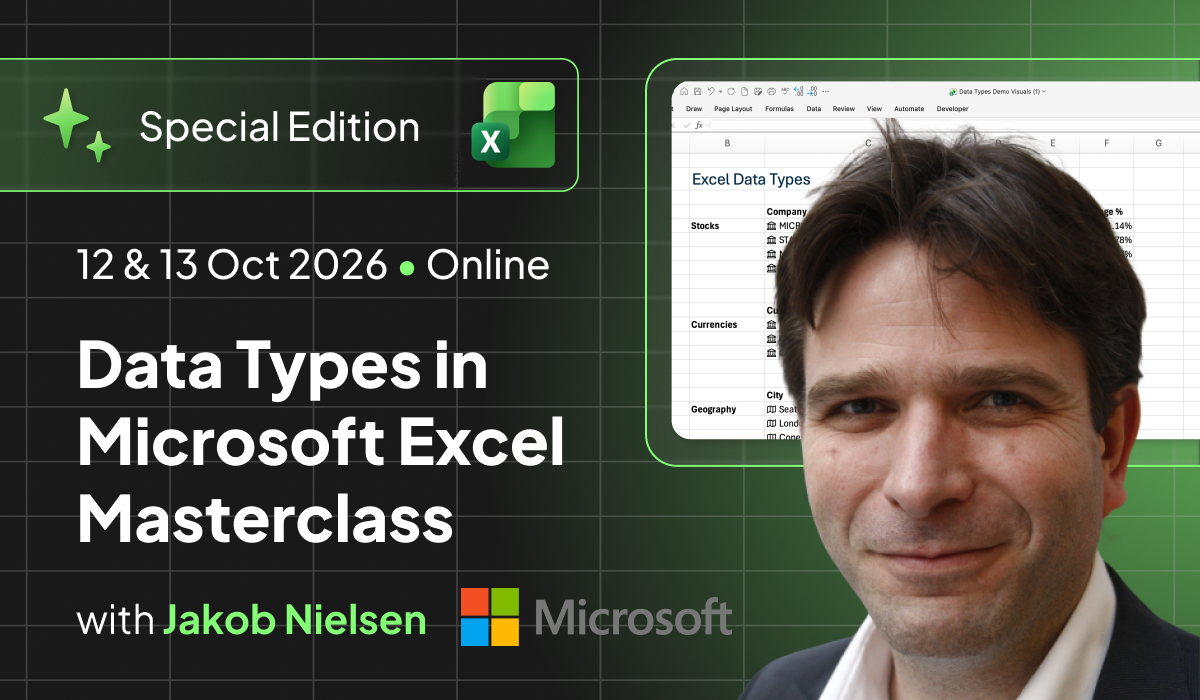
Data Types in Microsoft Excel Masterclass


Data Types are one of Excel's most powerful and least-used features.
In this Special Edition Masterclass you'll learn them from someone who helps build Excel itself. Jakob Nielsen, Principal Designer at Microsoft, shows you how to turn ordinary cells into live entities, replace fragile lookup tables for good, and bring structured, refreshable data into Excel with the reliability and consistency real work demands.
This hands-on 6-hour online Masterclass gives you a structured tour of the full Data Types landscape, from the built-in types you've seen but never fully used, to custom Data Types built in Power Query, to organisational data brought straight onto the grid. Along the way you'll sharpen the advanced formula craft that makes Data Types genuinely powerful, and get a look at how developers extend them through the Excel Data Types JavaScript API.
You'll leave able to design workbooks that are easier to build, maintain, share and trust, replacing fragile lookup chains and manual imports with live, refreshable entities that update themselves.
What you'll learn?
- What Excel Data Types are, how they differ from ordinary cell values, and how built-in types like Stocks, Currencies and Geography bring structured, refreshable information into Excel
- How to create your own custom Data Types with Power Query to organise records, fields and related information in a workbook
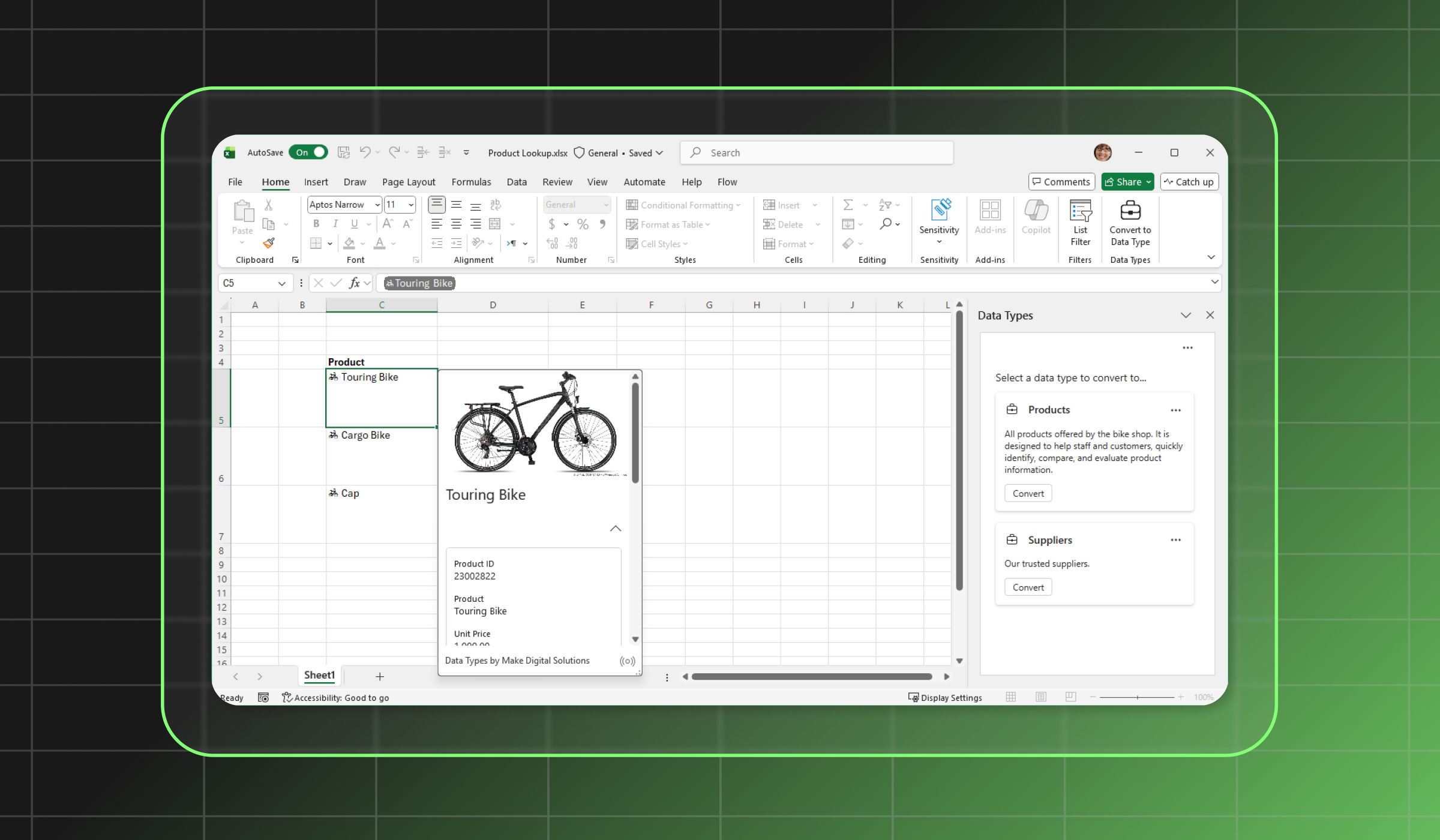
- How to bring organisational data (products, customers, assets) into Excel as shared, consistent, refreshable entities
- How to reference Data Type fields across formulas, tables, charts, conditional formatting and dynamic array workflows
- How modern formula design, including dynamic arrays, FILTER/SORT/UNIQUE, LET and LAMBDA, makes your models more reliable and responsive
- What's possible with the Excel Data Types JavaScript API, and how developers create entities on the grid with Script Lab
This training will take place on 12 & 13 Oct (5:00-8:00 pm BST) online via Zoom. It is available as a single Masterclass or as part of our 365-Day Digital Masterpass.
What's included


Who is it for
Excel users, analysts and business teams who build models, dashboards, trackers and operational reports that lean on reference data (products, customers, locations, assets, currencies, market information) and who are tired of maintaining that data by hand. Typical attendees include:
- Data and analytics professionals
- FP&A and finance teams
- Excel trainers and consultants
- Operations and supply-chain analysts
- Advanced Excel users who want to add a genuinely different tool to their kit
This Masterclass is designed to put you in a room with someone who builds Excel, not just someone who uses it. It's only for those trainers, consultants, and data professionals who want to know why the feature works the way it does, where it falls down, and what that means for their own workbooks.
Download Course Brochure

Course contents

- The core concept of Data Types and how they differ from ordinary cell values
- How a single cell can represent an entity with fields, relationships and refreshable information
- Exploring the built-in types: Stocks, Currencies and Geography
- Practical examples, includingmarket information, exchange rates and location-based analysis
- Where custom Data Types fit in the Excel workflow
- Preparing structured source data for Data Type creation
- Building records with fields you can expand, reference and use in formulas
- How Power Query-based Data Types support cleaner workbook design and cut repeated lookup logic
- Bringing organisational data into Excel as structured, refreshable Data Types
- Creating Data Types for common business entities (products, customers, assets, locations and other reference data)
- Working from consistent, shared definitions and trusted data sources across a team
- Using Data Types built from Power BI semantic models and cloud-stored Excel workbooks
- Building responsive workbooks that spill results automatically instead of relying on copied formulas
- Applying FILTER, SORT, UNIQUE and related functions to clean, transform and analyse data with fewer helper columns
- Using LET to make formulas easier to read, maintain and troubleshoot
- Turning repeated formula patterns into reusable custom functions with LAMBDA
- How modern formula design reduces errors and keeps models reliable
- What's possible with the Excel Data Types JavaScript API
- How the API represents entities, fields, card layouts and related values on the grid
- Using Script Lab to explore how entities are created directly in cells
- Simple, code-driven examples of generating structured Data Types
- A practical path from Script Lab experiments to a production-ready add-in
About your trainer
.png)
Jakob Nielsen
Jakob is passionate about helping people become more productive and achieve better results with spreadsheets. He is the founder and CEO of Make Digital Solutions ApS and a Principal Designer in the Excel team at Microsoft.
Find more about Jakob Nielsen's work and connect with him:
- LinkedIn: https://www.linkedin.com/in/jakobnielsen/
- Website: https://www.makedigitalsolutions.dk/
What people think of
Jakob Nielsen
Training requirements
Attendees should be comfortable using Excel formulas and working with structured data in tables. Experience with lookups, dynamic arrays, Power Query or report-building is helpful but not essential. For the developer-focused module, JavaScript or Office Add-in experience is helpful but not required.
- Microsoft Excel for Windows or Mac with a Microsoft 365 subscription
- Access to Data Types by Make Digital Solutions for the add-in module, if you want to follow along hands-on (installation instructions shared with all attendees prior to the beginning of the class)
- Script Lab installed in Excel for the hands-on JavaScript API exercises in Module 5 (installation instructions shared with all attendees prior to the beginning of the class)
- Sample workbooks and source data provided before the session for exercises and demonstrations
Buy ticket
Buy 365-Day Digital Masterpass
If you continue experiencing issues, you can send it to us via email to info@globalexcelsummit.com
.gif)
Join the Master Club
Your exclusive all-access pass to our entire digital learning experience for a whole year.
.png)