
.png)
.png)
.png)
Automate Your Monthly Excel Report with AI


Build a repeatable monthly reporting workflow with Claude, with checks to validate the numbers. No coding experience required.
Every month, finance and reporting teams rebuild the same Excel report by hand: new data, same tables, same charts, same checks. AI can help, but ask it to build the same report twice and you'll get two different results. That's the gap between an impressive demo and a report you'd actually sign off at month-end.
This hands-on, 1-day in-person Masterclass shows you how to use Claude to automate your monthly report from start to finish, without writing a line of code yourself. You'll plan the report, have Claude Code write a script that builds the whole workbook with every number as a live Excel formula, polish it in Excel with Claude in Excel, and lock that polish in so it's never lost.
Everyone works on the same prepared case, so you can focus on the method rather than the data. By the end of the day you'll run next month's data in one request, prove every number ties out, and leave with a one-page plan for the first report you'll automate back at work.
What you'll learn?
- How to split every AI workflow into deterministic, probabilistic and human work, and why your report's numbers always belong in the deterministic part
- How to write a one-page report plan, with inputs, outputs, house rules and control totals, that Claude follows every time
- How to direct Claude Code to write a script that builds the full workbook, with every number as a live Excel formula
- How to polish layout, number formats and charts with Claude in Excel within clear guardrails, then lock that polish back into the script
- How to run checks that prove totals tie out and nothing is hard-coded, even when next month's data arrives messier than expected
- How to produce next month's report in one run, and review AI-drafted commentary before it's shared
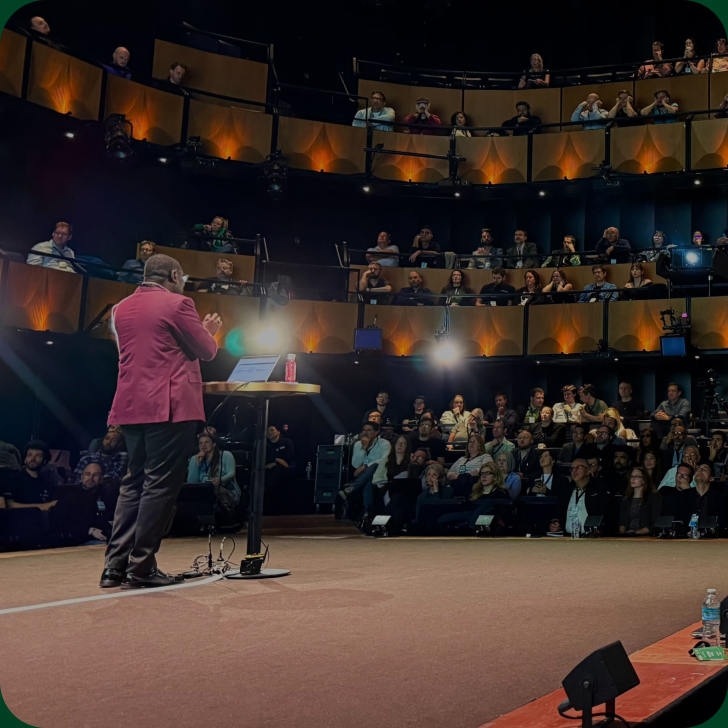
This class will be delivered in-person in Central London, UK, on 20 May 2027 (10:00 am–5:00 pm BST).
This training is available as a single Masterclass or as part of our Premium (In-Person) or Ultimate (In-Person) Global Excel Summit ticket.
What's included


Who is it for
For professionals who rebuild the same Excel report every month and want it to run itself, with numbers they can trust. No coding background is required. Typical attendees include:
- Finance and accounting professionals
- FP&A and management reporting teams
- Financial controllers
- Data and business analysts
- Excel power users curious about putting AI to work on real reporting
Download Course Brochure

Course contents

- Deterministic, probabilistic and human: who owns each step of an AI workflow
- Live demo: AI builds the same report twice and gets two different results, then a script produces two identical ones
- The rule for the day: every number is an Excel formula, never a value the AI calculated
- Opening VS Code and Claude Code together, step by step, with no coding background needed
- Opening the case files and checking Claude can read them
- Asking Claude to describe the data and spot anything unusual
- Everyone finishes this module with a working setup
- Why AI is only as consistent as its instructions
- Letting Claude read the case data and ask the right questions
- Writing a one-page plan: input files and columns, output sheets, input cells, house rules and control totals
- Saving the plan as the instructions Claude follows every time
- Claude writes a script that creates the full workbook: data sheet, report sheets, charts and a check sheet
- Checking the output without reading code: totals against the plan, live formulas, identical results on a re-run
- Ending with a correct, plain report
- Using Claude in Excel as a report designer, working on a copy of the report
- Number formats, column widths, charts and headings
- Clear guardrails: no renamed sheets, no moved input cells, no changed formulas
- Reviewing the list of every change Claude made
- Why polish done by hand disappears the next time the report is built
- Having Claude update the script so it produces the polished version every time
- Rebuild, compare and run the checks: totals tie out, no hard-coded numbers, no formula breaking the pattern
- New data in, one request, full report out, with the checks run automatically
- A messier month: a new region and a missing column that the checks must catch
- AI-drafted commentary on the finished figures, reviewed and corrected by you before it goes anywhere
- Choosing your first report to automate: repeated, rule-based and time-consuming
- Mapping which force owns each step and drafting its one-page plan
- Your checklist for the full method: plan, build, polish, lock in, check, run
- Recap and Q&A
About your trainer

Carolina Lago
Carolina is the Managing Director at Tactic Financial, where she helps SMEs and finance professionals enhance their skills through corporate training and hands-on advisory services. With over 15 years of experience in Financial Planning & Analysis (FP&A) and a Master's degree in Accountancy specializing in Data Analytics, Carolina's expertise spans multiple industries and global locations. Recognizing a gap in the market for flexible yet robust financial models, she developed the TACTIC Financial Modeling Framework, designed to create versatile and adaptable models with solid calculations. Carolina's multi-industry experience and strong academic background make her a strategic planner capable of interpreting data to drive actionable insights and business success.
What people think of
Carolina Lago

She loves what she does!
For Carolina, sharing knowledge comes first. She loves what she does. You can see that in her documents. Simply good and easy to understand.

I must say that this training has exceeded all my expectations.
The content was incredibly comprehensive. What truly set this training apart was the emphasis on practical application.
Training requirements
Attendees should be comfortable working with Excel reports. No coding experience is required. Please bring:
- A laptop with Microsoft Excel for Microsoft 365 (desktop version) installed. A phone or tablet alone will not be sufficient.
- A paid Claude plan (e.g. Claude Pro), active before the session, to use Claude Code and Claude in Excel
- VS Code and Claude Code installed in advance. If you use a work laptop, please check with your IT team that you can install software.
A setup guide will be sent to all attendees ahead of the class, and we'll check everyone's setup together at the start of the day.
Buy ticket
Buy 365-Day Digital Masterpass
If you continue experiencing issues, you can send it to us via email to info@globalexcelsummit.com
.gif)
Early Bird registration is open
18–19 May 2027 · London & Online. Save 20% – limited to 100 in-person and 100 online tickets.